
BoonBuy spreadsheet
BoonBuy Spreadsheet – Updated Finds & QC Photos
Looking for a BoonBuy spreadsheet, the best BoonBuy spreadsheet 2026, or updated BoonBuy spreadsheet links? BoonBuy Finds is the searchable catalog alternative: photos, QC references, filters, and verified checkout links — without scrolling a 5,000-row Google Sheet on your phone.
- Active finds
- 3,146
- QC references
- 938
- Indexable brands
- 55
- Last sync
- October 18, 2026
Last updated October 18, 2026
Latest spreadsheet finds
Live catalog preview — open browse for search, filters, and the full index.
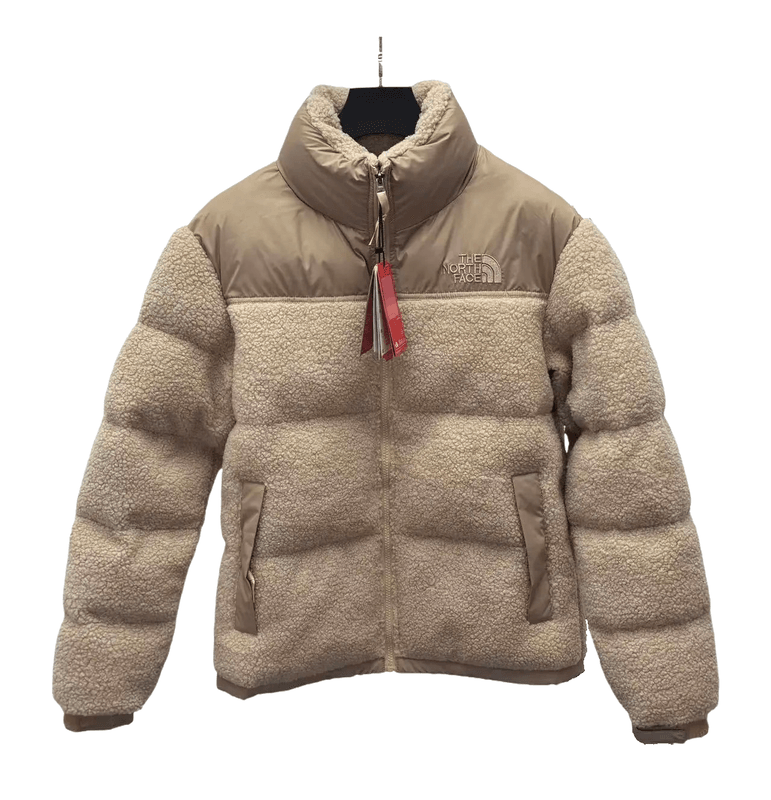
View details
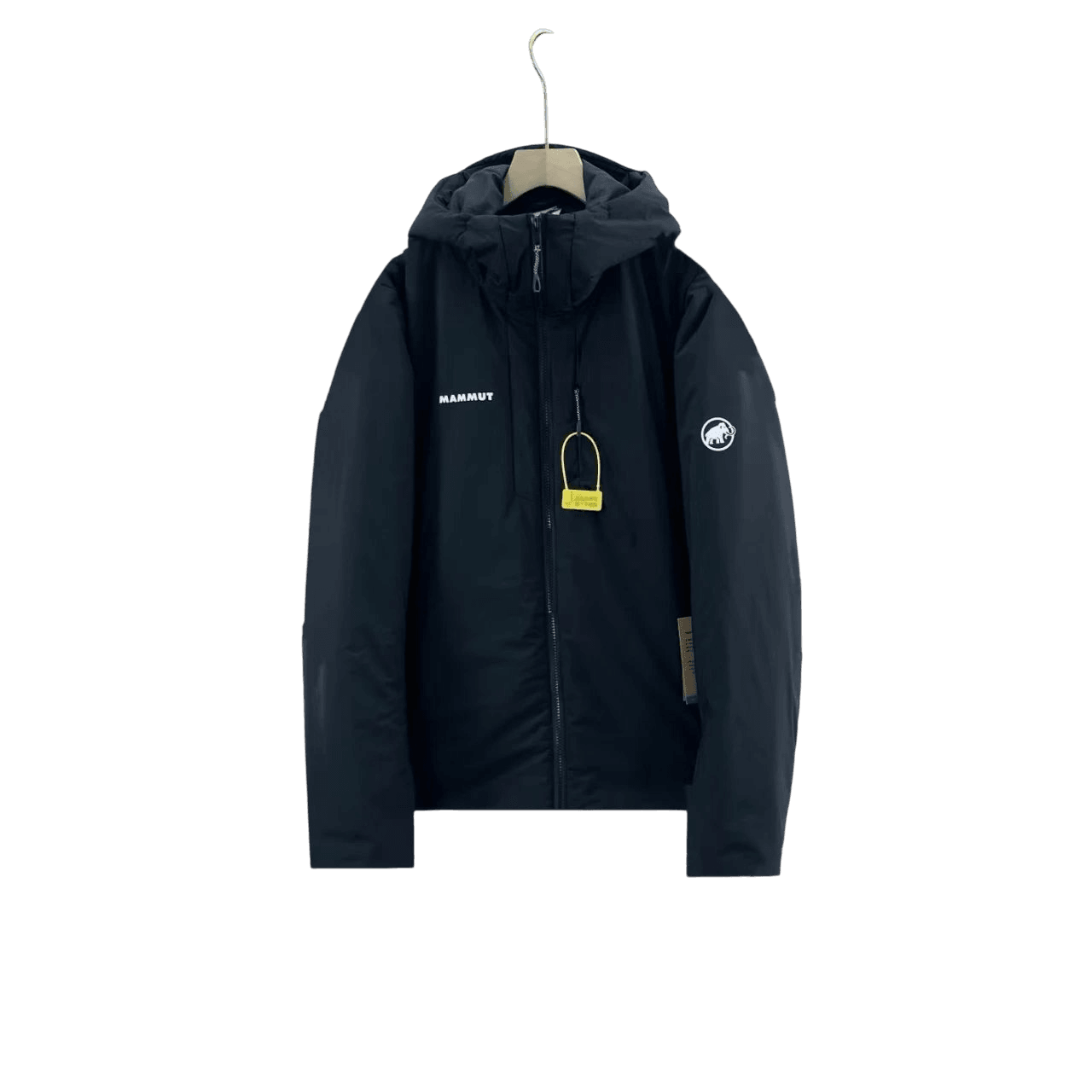
View details
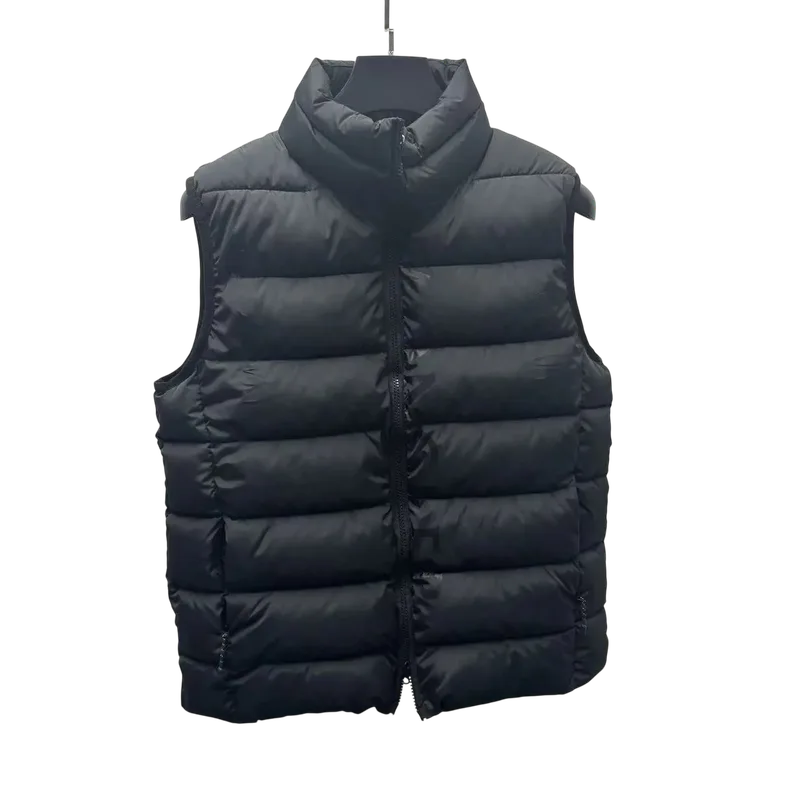
View details
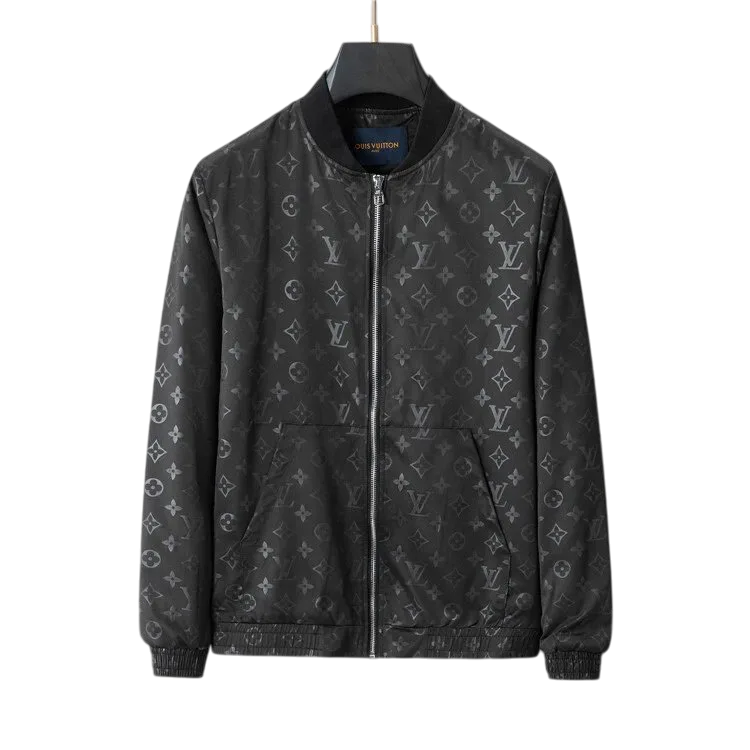
View details
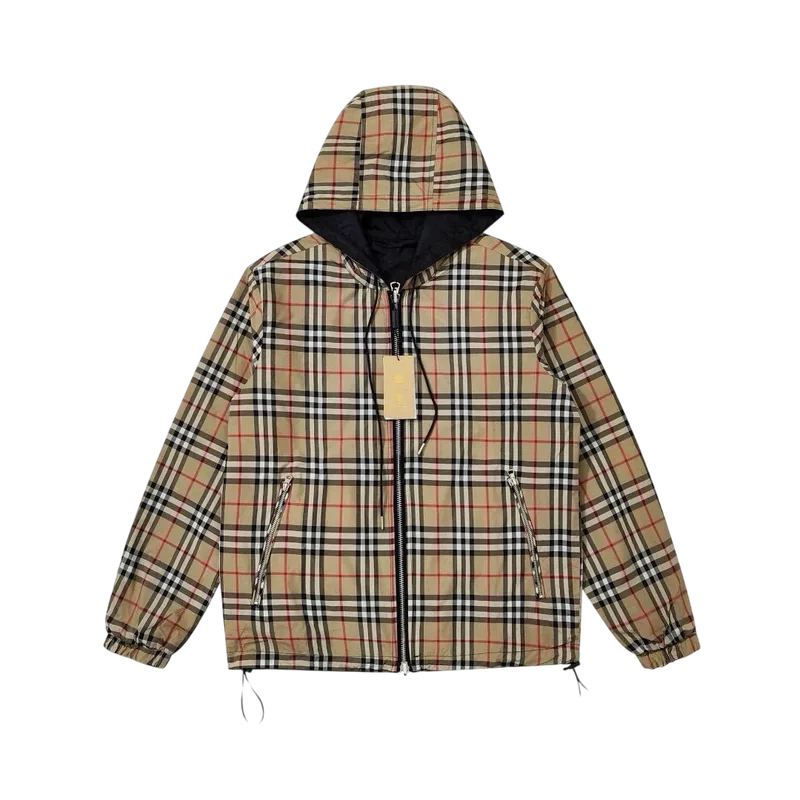
View details
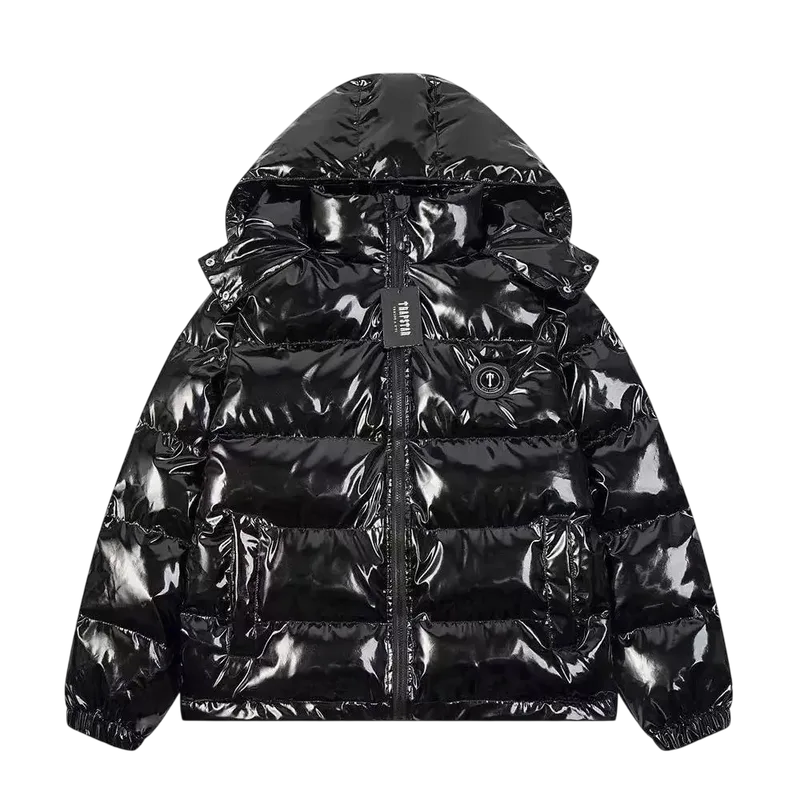
View details
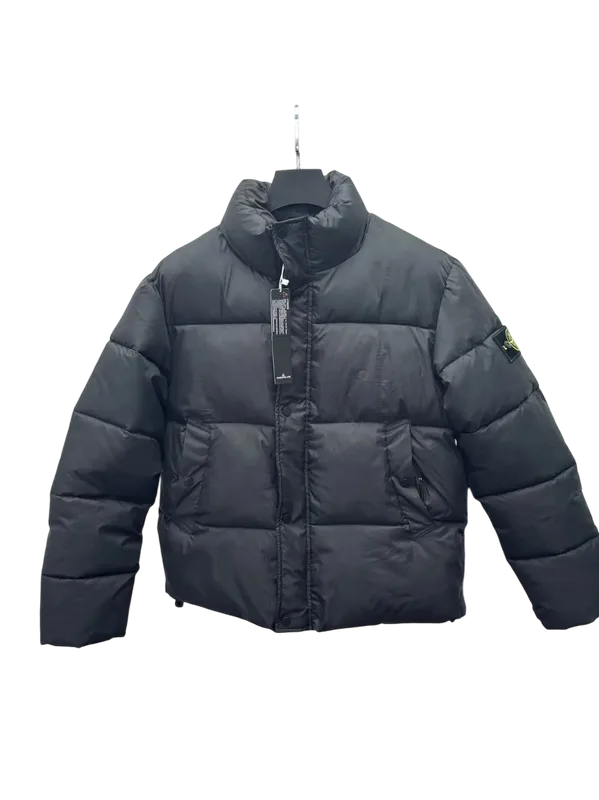
View details
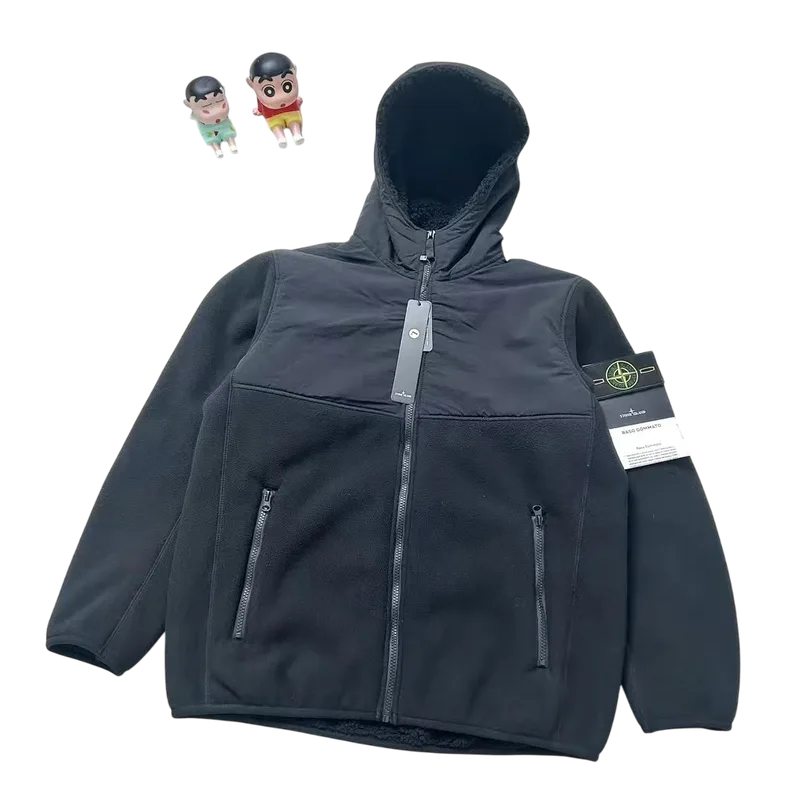
View details
What is the BoonBuy spreadsheet?
Community BoonBuy spreadsheets are product lists — names, seller URLs, prices, and sometimes QC notes. They are powerful for power users but hard to search on mobile and awkward to share one product at a time.
BoonBuy Finds is the spreadsheet alternative: the same Weidian/Taobao product universe structured as product pages with photos, filters, QC references, and verified BoonBuy checkout links.
Current BoonBuy spreadsheet / catalog
This hub tracks the live BoonBuy Finds catalog: 3,146 active finds, 938 QC-linked rows, last sync October 18, 2026. Numbers come from the catalog dataset — we do not invent larger marketing figures.
Top brands currently include Moncler, Nike, Stussy, Dior, Gucci, Ralph Lauren, Corteiz, Burberry. Categories include Shoes, Hoodies and Pants, Coats and Jackets, T-shirt and Shorts, Accessories, Electronic Products.
How to use the BoonBuy spreadsheet
Search by brand or keyword, open a product page, check QC when available, then use the verified BoonBuy buy link. Keep any personal Google Sheet for notes — use this catalog for daily discovery and sharing.
What information is included
Typical spreadsheet fields map to catalog fields: product name, image, price context, brand/category tags, QC reference links where available, and a BoonBuy agent checkout URL.
- Photos and product titles
- Brand and category context
- QC reference links when present
- Verified BoonBuy buy links
- Filters for discovery (not raw row scrolling)
How often it is updated
The catalog syncs on a regular cadence. Last sync: Oct 18, 2026, 11:20 AM UTC. New rows surface on Latest Finds and trending rails after each sync — you do not need to download a new file weekly.
Brands & categories available
QC photos and spreadsheet QC
Many buyers search “BoonBuy spreadsheet QC” when they want rows that include quality-check references. Open finds with QC links before you order, then still request warehouse QC on BoonBuy for your exact item.
Spreadsheet vs searchable BoonBuy Finds database
A Google Sheet is a file. BoonBuy Finds is a searchable database with shareable product URLs, filters, and mobile-friendly pages. Same product universe; better discovery layer.
How to find a specific product
Use homepage or /browse search for brand + model keywords. If you already have a seller URL from an old sheet, you can still paste it into BoonBuy at checkout — this catalog helps you find candidates faster first.
Common spreadsheet mistakes
Best ways to search the spreadsheet catalog
- 1
Open browse or search
Start at /browse or the homepage search with a brand or product keyword.
- 2
Filter by brand or category
Use brand and category hubs when you know the lane (shoes, jackets, bags).
- 3
Check QC references
Prefer finds with QC links for high-value items, then still request warehouse QC on BoonBuy.
- 4
Open the verified buy link
Checkout on BoonBuy with the catalog link — confirm live price and size before paying.
Spreadsheet intent → where to go
| You searched | Use this |
|---|---|
| boonbuy spreadsheet / 2026 | This page + /browse |
| best boonbuy spreadsheet | This page (canonical) |
| spreadsheet QC | /boonbuy-qc + QC filters |
| shoes / clothing spreadsheet | /categories + this catalog |
| shipping savings | /boonbuy-coupons |
Frequently asked questions
Is BoonBuy Finds the same as a BoonBuy spreadsheet?+
Same product universe. BoonBuy Finds is the searchable spreadsheet alternative with product pages, filters, and verified buy links — not a replacement for your BoonBuy account.
What is the best BoonBuy spreadsheet in 2026?+
For most buyers, the best “spreadsheet” experience is this live catalog (3,146 finds, updated October 18, 2026) rather than downloading a new Google Sheet every week.
How often is the BoonBuy spreadsheet updated?+
The catalog last synced Oct 18, 2026, 11:20 AM UTC. Check Latest Finds after syncs for new rows.
Does the spreadsheet include QC links?+
Yes where available — 938 finds currently include QC reference links. Warehouse QC for your order still happens on BoonBuy.